Loading
Please wait...
Please wait...
Governance School is designed so a new admin can get from "we need training" to "we have proof" without piecing together separate tools or guessing what happens next.
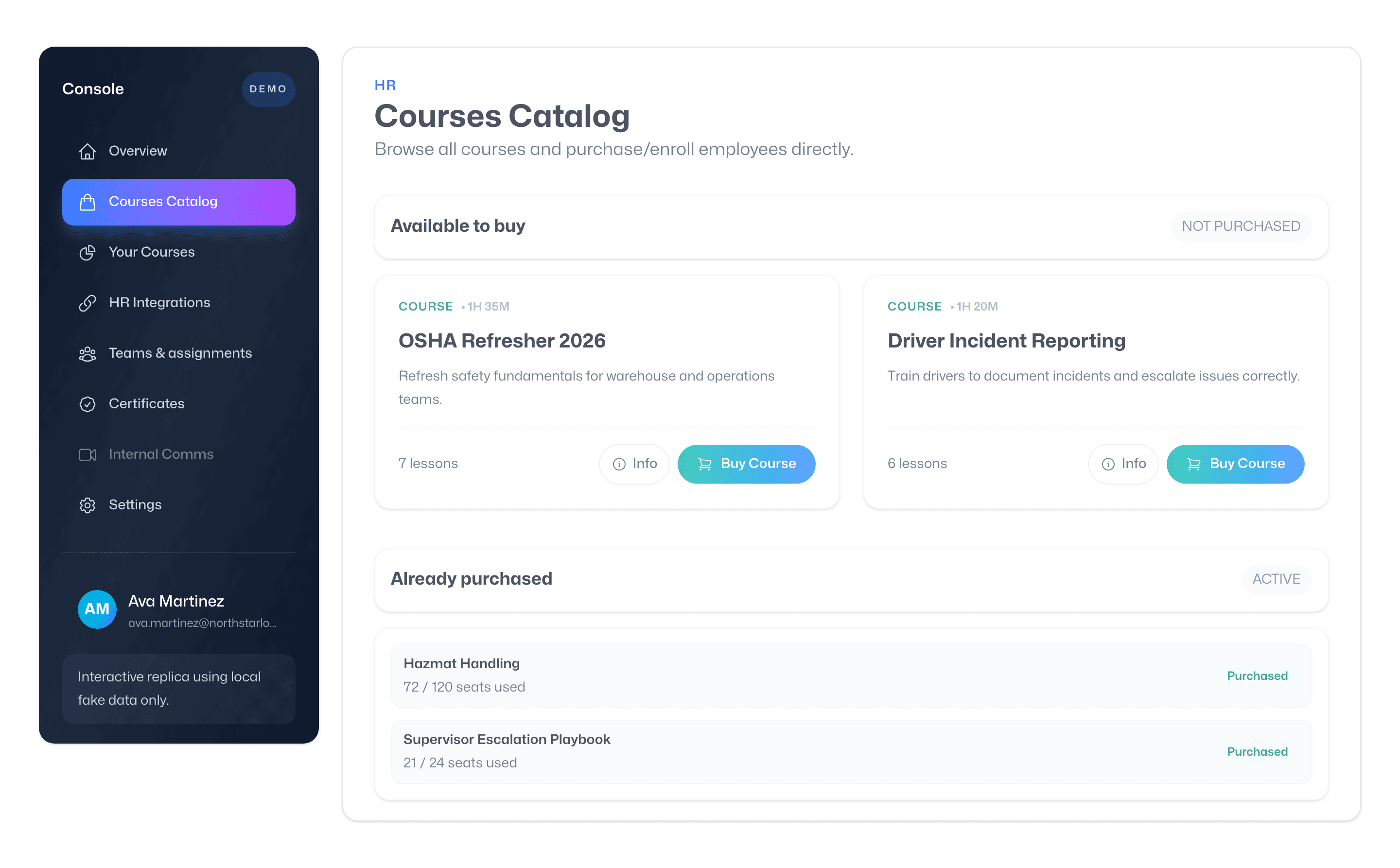
Start in the course catalog, choose the training you need, and contact sales to confirm access, seats, dashboard tier, and pricing.
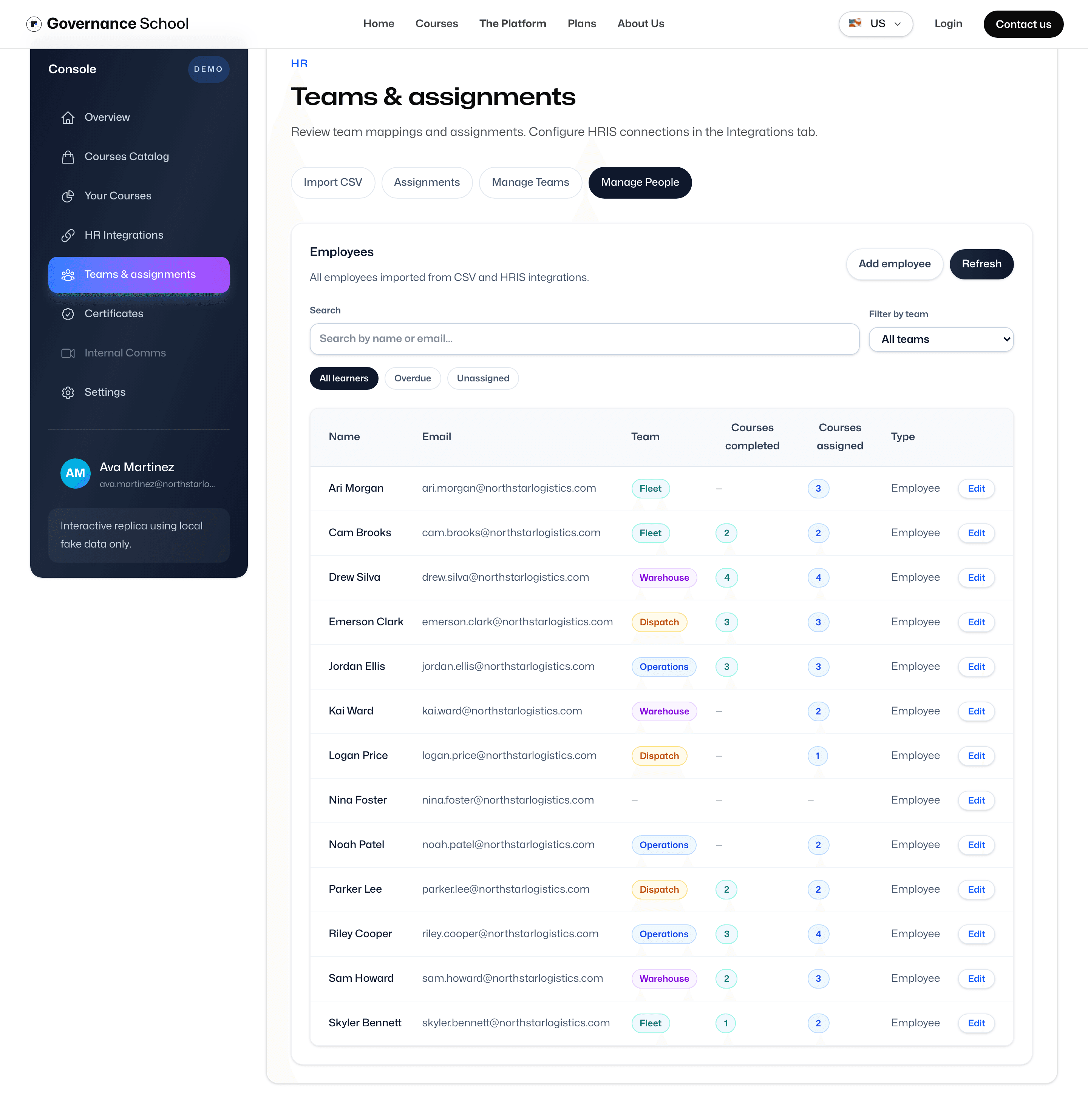
Start in the people workspace. Add someone manually when needed, then choose the setup path that fits your rollout.
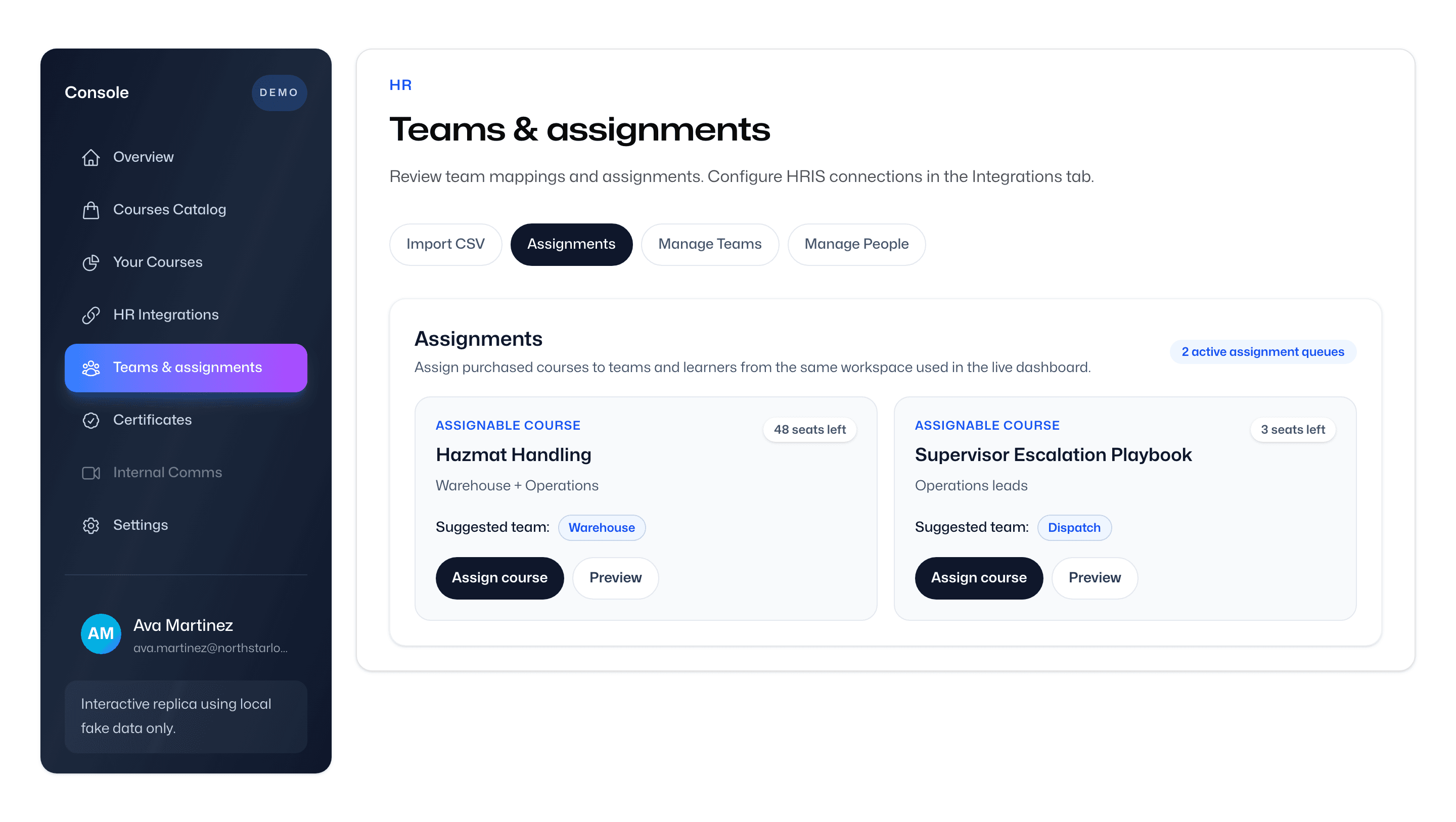
Review the target team, launch the assignment flow, and confirm that training is attached to the right learners.
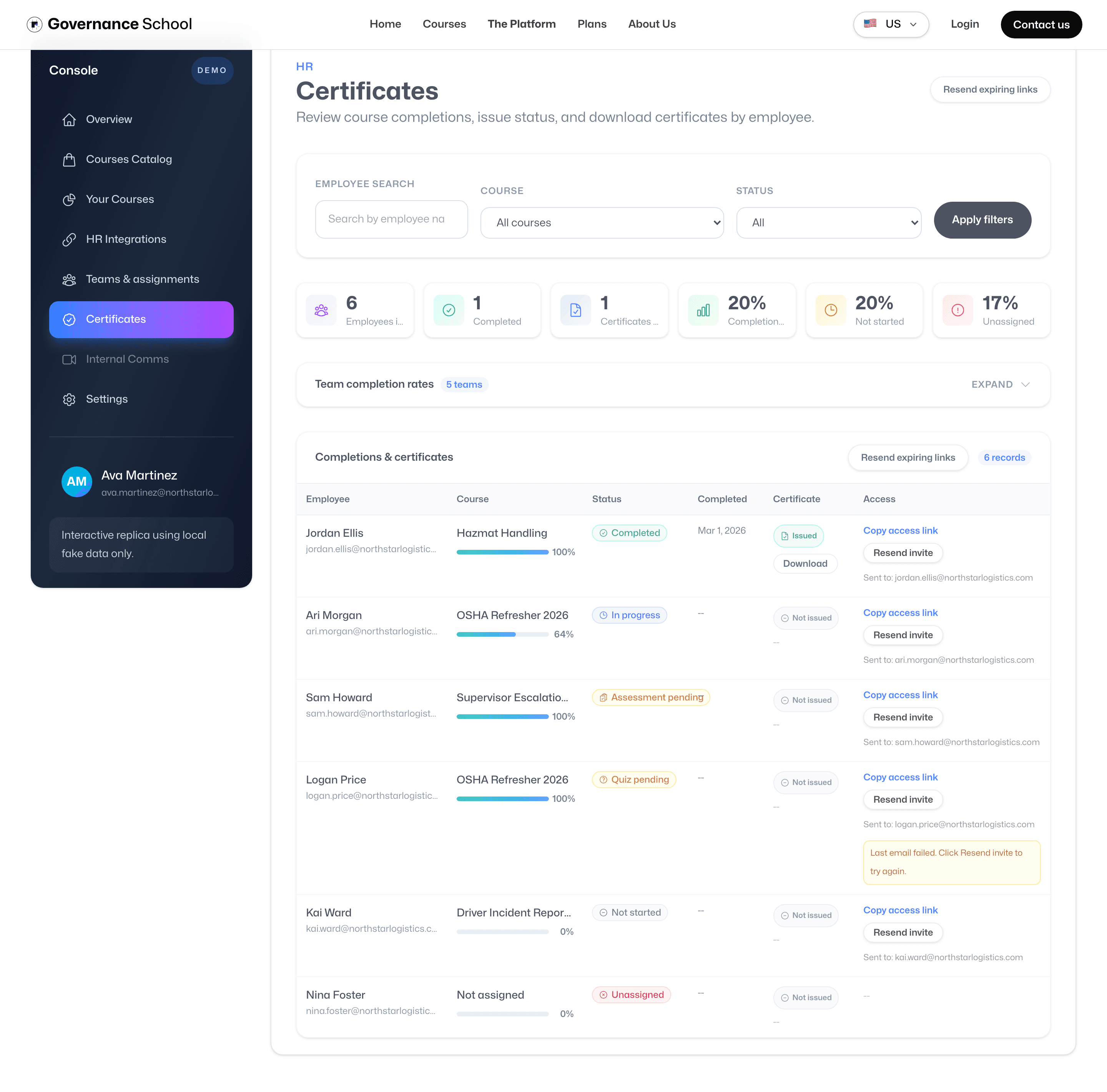
Filter for active learners, switch to issued proof, and download certificates when you need evidence.
Plan, set up, assign, then prove completion.
Start in the course catalog, choose the training you need, and contact sales to confirm access, seats, dashboard tier, and pricing.
Review the target team, launch the assignment flow, and confirm that training is attached to the right learners.
Filter for active learners, switch to issued proof, and download certificates when you need evidence.
Start in the course catalog, choose the training you need, and contact sales to confirm access, seats, dashboard tier, and pricing.
Start in the people workspace. Add someone manually when needed, then choose the setup path that fits your rollout.
Review the target team, launch the assignment flow, and confirm that training is attached to the right learners.
Filter for active learners, switch to issued proof, and download certificates when you need evidence.
Open the guided tutorial to experience the admin journey, or book a walkthrough if you want a live discussion of your rollout.